
Android Emulator gives us the power to use Android OS on a Windows computer; it feels just like an Android smartphone. Choosing the best Android Emulator for Windows is also important to get more from it. There are lots of Android Emulator available in the market which demands that they are the best. By ending all of the demands, you will find here the list of best Android Emulator for Windows 10/8.1/8/7.
Best Android Emulator for Windows 10/8.1/8/7
BlueStacks

BlueStacks is the most popular Android Emulator available for Windows running PC or computers. It is free to use and support almost all of the Android apps. There are more than 160 million people uses BlueStacks to run Android apps on Windows running computers. Bluestacks is one of the best Android Emulator for Windows 10, 8.1,8 or 7.
Related Post: Showbox could not be installed: Invalid APK File, Bluestacks Problem [FIXED]
Droid4X

Droid4X is just another fantastic Android Emulator for Windows 10. It is also the newest Android Emulator among all of the emulators available for Windows. Droid4X is faster, comes with Pre-rooted and Google Play Store installed. If you want to experience a lag-free Android emulator, Droid4X is one of the best for you.
Andyroid – Andy OS

Andyroid seems the misspelling of Android, but that’s what it is. Andy is one of the best performing Android emulator available for you Windows PC. The best feature of Andy is that here you can use your Android Phone as the remote to control while playing games. The remote control feature doesn’t come with other Android emulators, which makes Andy the best Android Emulator for Windows 10/8.1/8/7.
Windroy – with a Windows Kernel

Windroy is the another cool Android emulator available for Windows 10, 8.1, 8 and 7. This emulator comes with Gapps (Google Apps) installed and with a Windows Kernal. Windroy doesn’t require any Virtualbox support like other Android emulator (BlueStacks). The application is light weighted and very handy to use.
GenyMotion
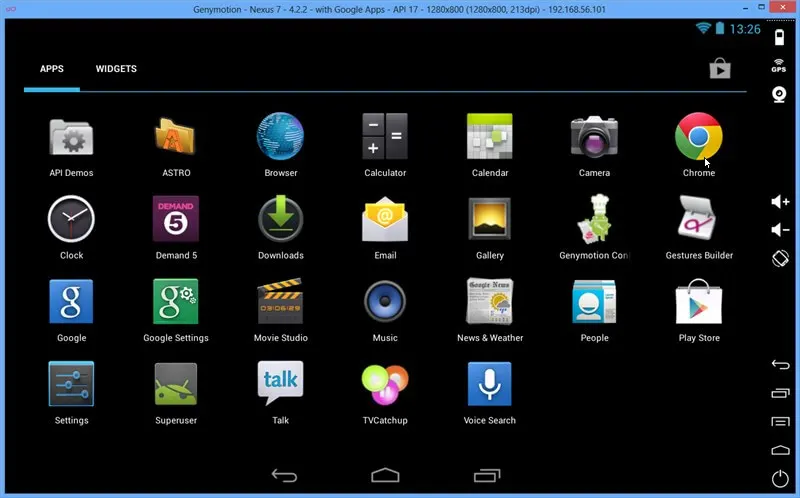
GenyMotion is the another best Android Emulator for Windows 10, 8.1, 8 and 7. It is faster, smarter in comparison to other Android emulator like BlueStacks. This application is built on the x86 Architecture and because of that GenyMotion is faster than BlueStacks. GenyMotion is the best alternative of BlueStacks with some advance features.
DuOS-M Android Emulator
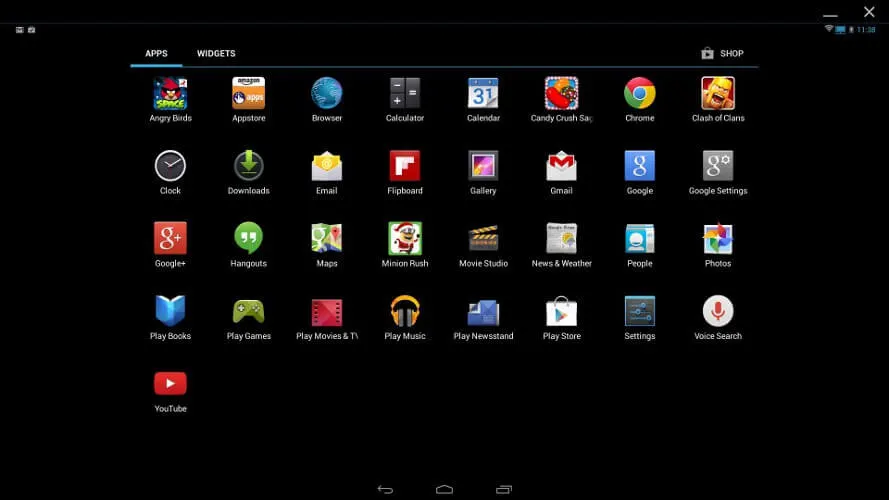
AmiDuos is another better android emulator apps for windows PC and laptop. The best thing about DuOS-M is that there is also a Lollipop built variant available. There are Jellybean and Lollipop built available to use; you can choose between them and download the file according to your choice.
Nox App Player
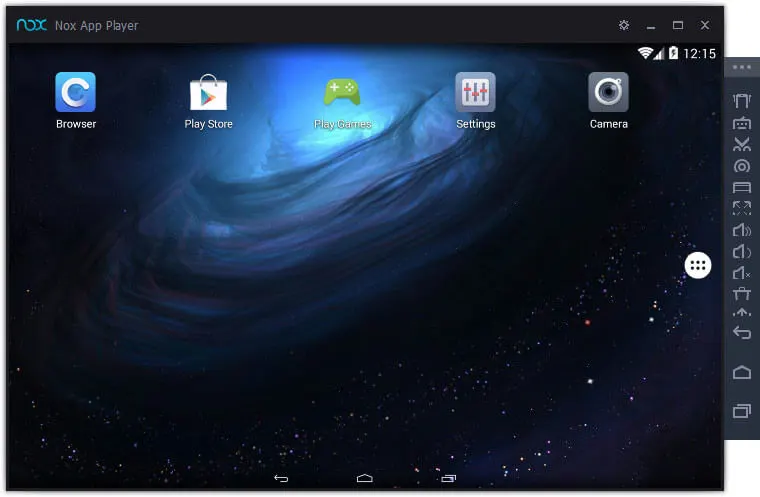
Nox App Player is one of the best Android Emulator for Windows 10/8.1/8/7. If you want to play games and try high-end apps, Nox is just perfect for you because of it’s performance or speed. The app also provides some extra features like- one click root enable or disable, built-in GPS which is necessary for the games like Pokemon Go and more.
These are the best Android Emulator for Windows 10/8.1/8/7 we have tried. We will update this Android emulator post as soon as we come to know about another great Android emulator, till then try these emulators and be sure to write you experience below in the comment space.


Leave a Comment