
Windows 10 is the most fantastic addition to Microsoft as the last Windows version of their OS. Hence it is the last Windows version; Microsoft will continue giving new updates with better security and performance. With customizing our smart devices, themes helps us a lot. There are also hundreds of themes available to apply on your Windows 10. Here you will find some best Windows 10 themes, dark themes for Windows 10 to customize your PC.
Themes are the best option to customize any smart devices. Below I have added some amazing Windows 10 themes; you will probably love.
Windows 10 themes: Best in class
Before applying any theme to your Computer, make sure it is erasable. Don’t apply any permanent Windows 10 themes to your PC. All the Windows 10 themes added below are erasable and applicable whenever you want.
Windows 10 official dark theme
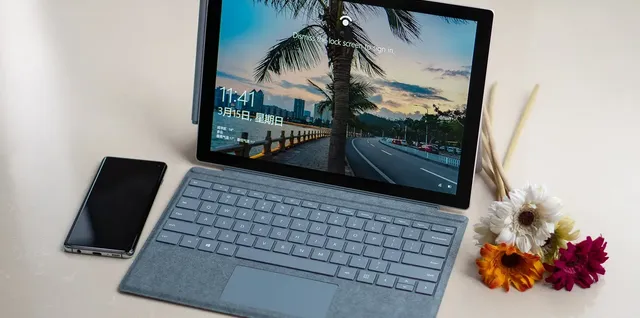
This is the built in dark theme comes with Windows 10. You can apply this dark theme to your PC very easily. Follow the steps given below:
- Open Microsoft Edge web browser and click on menu option
- Now go to the settings of the browser
- There you’ll see an option choose a theme
- Choose the dark option, and you are all set.
Penumbra 10 – Windows 10 visual style
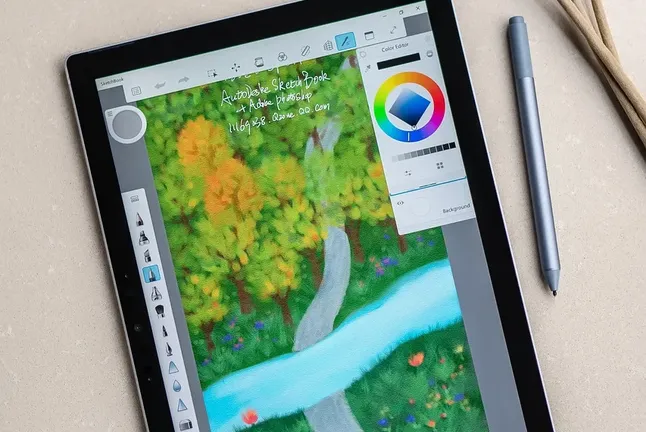
Penumbra 10 is one of the cool Windows 10 theme, dark theme. The theme can be readily applicable and removable. Download the theme from below and place it in C:\Windows\Resources\Themes.
Download Here
Dark / Grey Windows 10 theme – High Contrast
Instead of using full dark Windows 10 theme you can use this dark/ gray theme with high contrast. You can use this theme on your PC without any third party app or software. Just download the theme from below and place the theme file in [USERNAME]AppData\Local\Microsoft\Windows\Themes.
Download Here
Nocturnal W10
No doubt that this is one of the best Windows 10 theme, Nocturnal W10 look beautiful with the excellent color combination. To apply this theme on your Windows 10 running PC, you’ll need to install four third party apps- OldNewExplorer, Classic Shell, Win Aero, and UXStyle.
Download Here
These are the four amazing Windows 10 themes, in dark category. We will update this post with more Windows 10 themes, till then check out our other tips and tricks and enjoy your stay.

Leave a Comment