
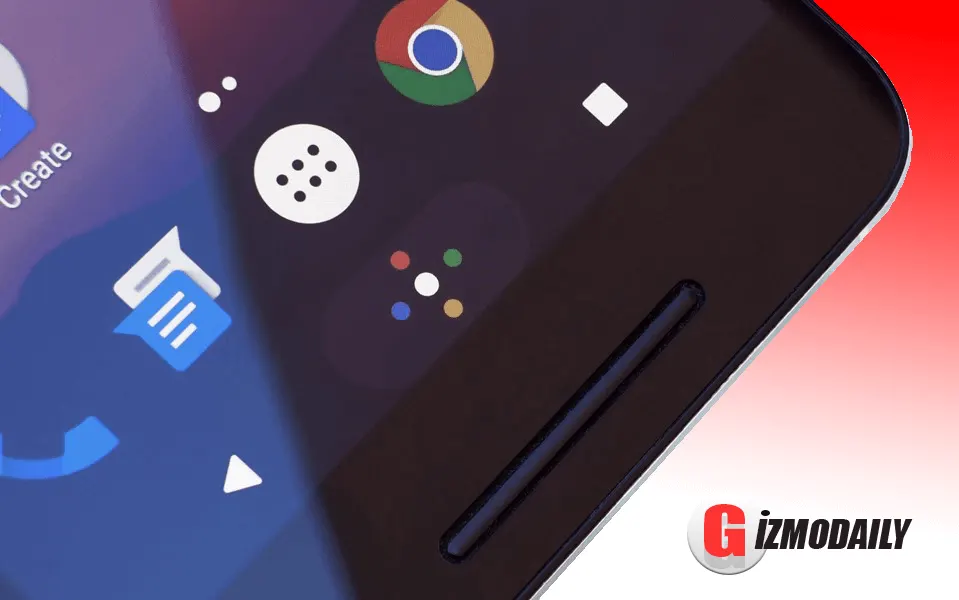
Google has made an another awesome Launcher for Nexus device, which will come as a built-in launcher on future Nexus devices and they named it as Google Nexus Launcher. Google Nexus Launcher is just awesome and way better than the previous launcher by Google, Now Launcher. It has an excellent design and in simple language its the most good looking launcher you can imagine till now.
You will defiantly love this whole new launcher by Google, specially made for Nexus devices. The excellent, unique and new homepage layout attracts a lot and to check the menu on this launcher you need to swipe up, no special menu button.
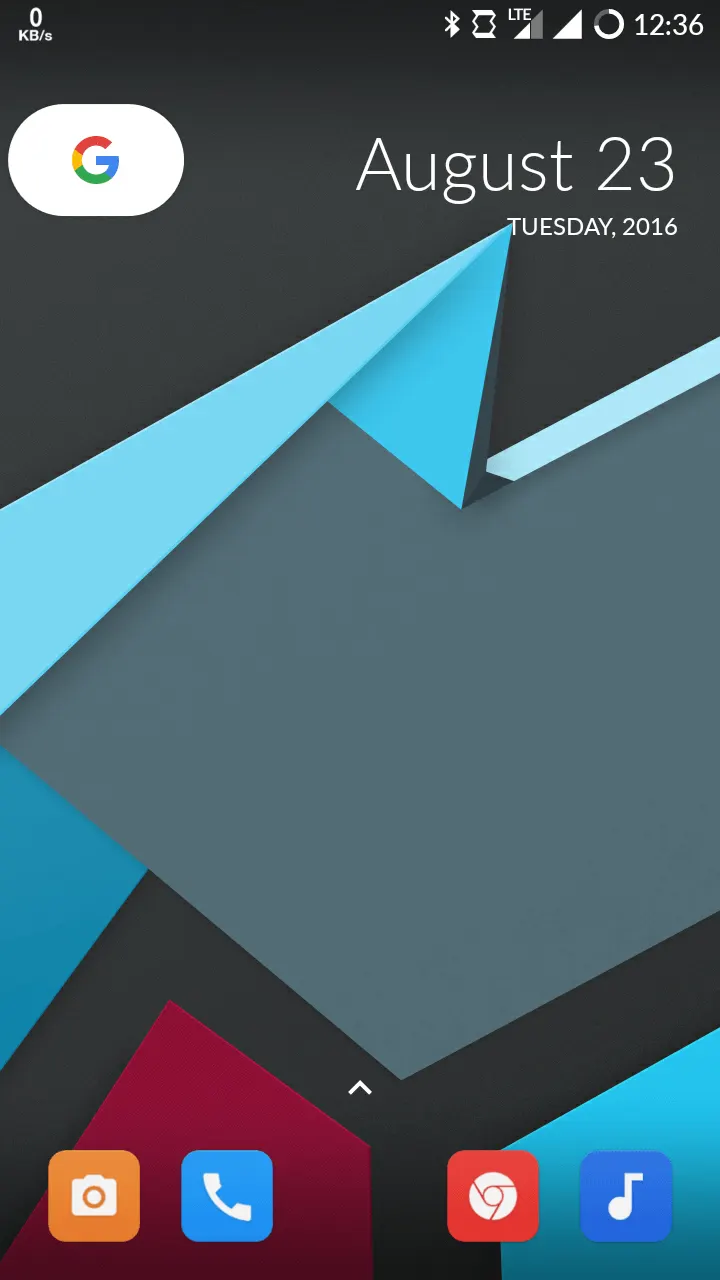
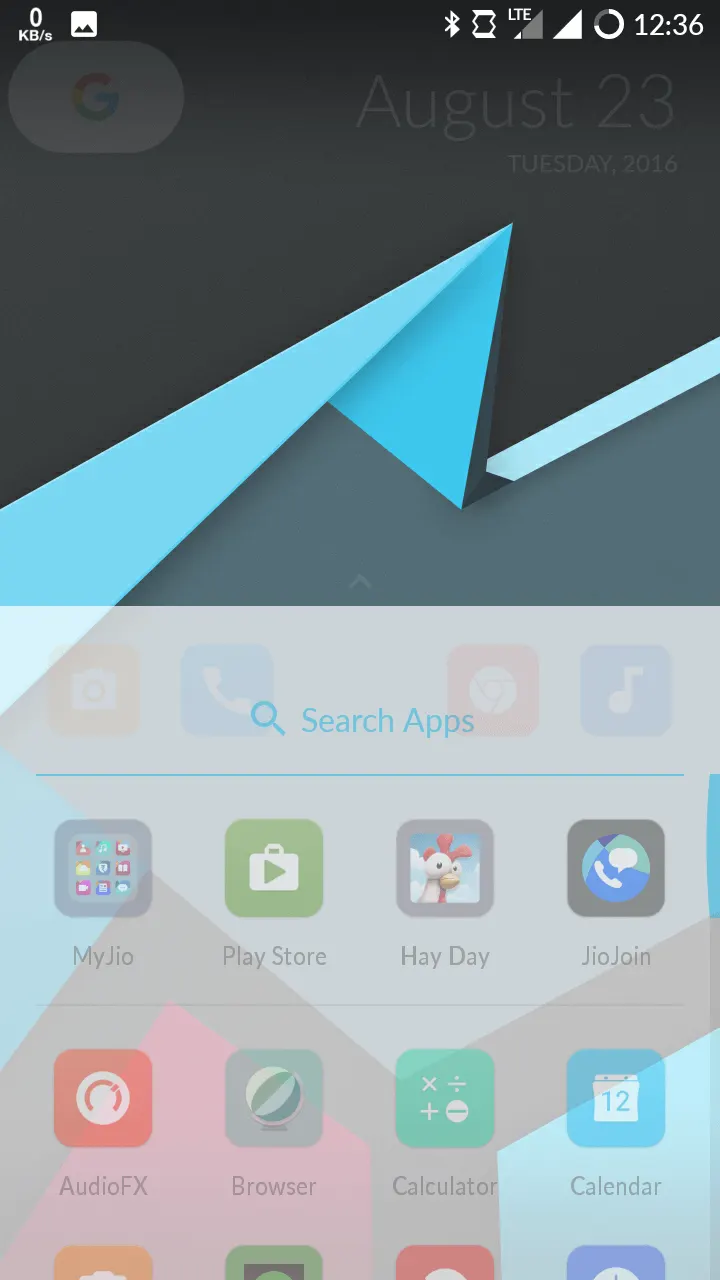
On above screenshots, you can see the homepage at the left side and the menu opening style at the right side.
That’s how your website of the device going to look like and the application menu page also features with app suggestion option, check the screenshot below, and also you can add lots of windows to the launcher.
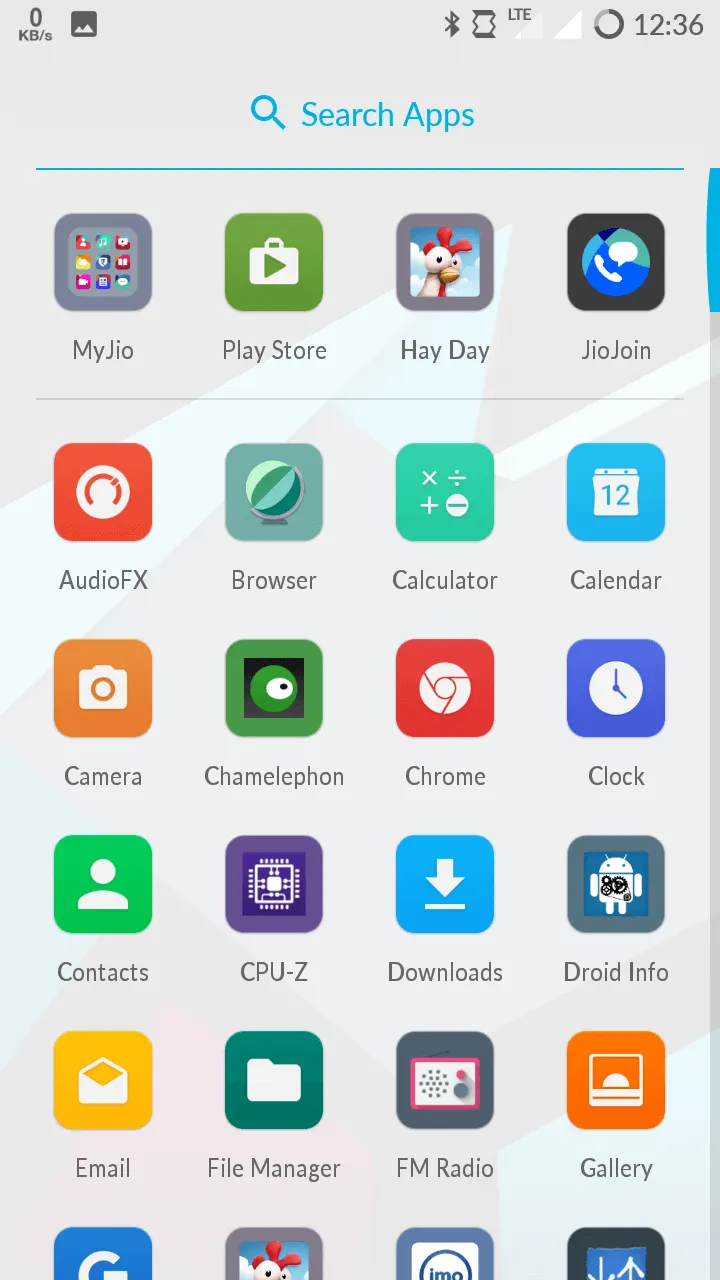
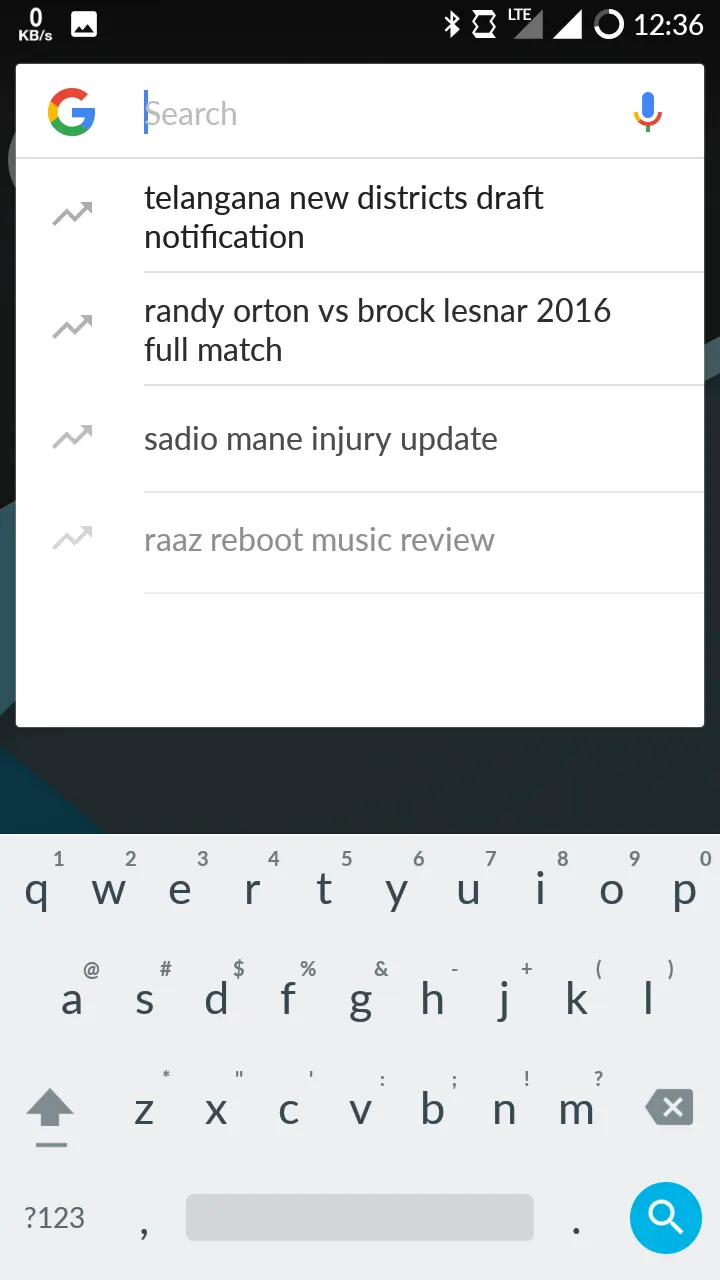
On the homepage, you gets an awesome looking Google Icon “G” full with Google’s colors, and when you click on that button it will activate the search box of Google App, and from there you will be able to find anything online.
That’s all; now it’s time to reveal how to get the whole new Google Nexus Launcher on any Android phone, no matter whether your Android is rooted or not, running on custom ROM or stock. You can install this awesome launcher on your Android phone and enjoy the excellent layout by Google.
How to get Google Nexus Launcher on Any Android Phone
To install the Google Nexus Launcher which is not available on Google Play Store to download you need to download the APK file from below. Below I have added the APK file of whole new Google Nexus Launcher. This file is pure and safe to use, but before installing this application be sure that you have enabled Unknown Source on the settings of your Android.
Download APK
After downloading the APK file from above just install it on your Android device, and you are ready to go. I’m using this awesome and new launcher by Google on CM 13 (Android v6.0.1) running smartphone and it made my phone look more awesome.
Try this awesome and new Google Now Launcher, and I can bet that you will fall in love with its design.

Leave a Comment